
Seedream 5.5 — generate and edit with Open AI Image
Seedream 5.5 is ByteDance’s image generation and editing model. Create product visuals, refine an existing image or make transparent assets with up to 10 references at 1K, 1.5K or 2K.
No sign-up needed. Each creation uses credits — the price is on the Create button. Sign up to keep what's left.
Official examples, real creative possibilities
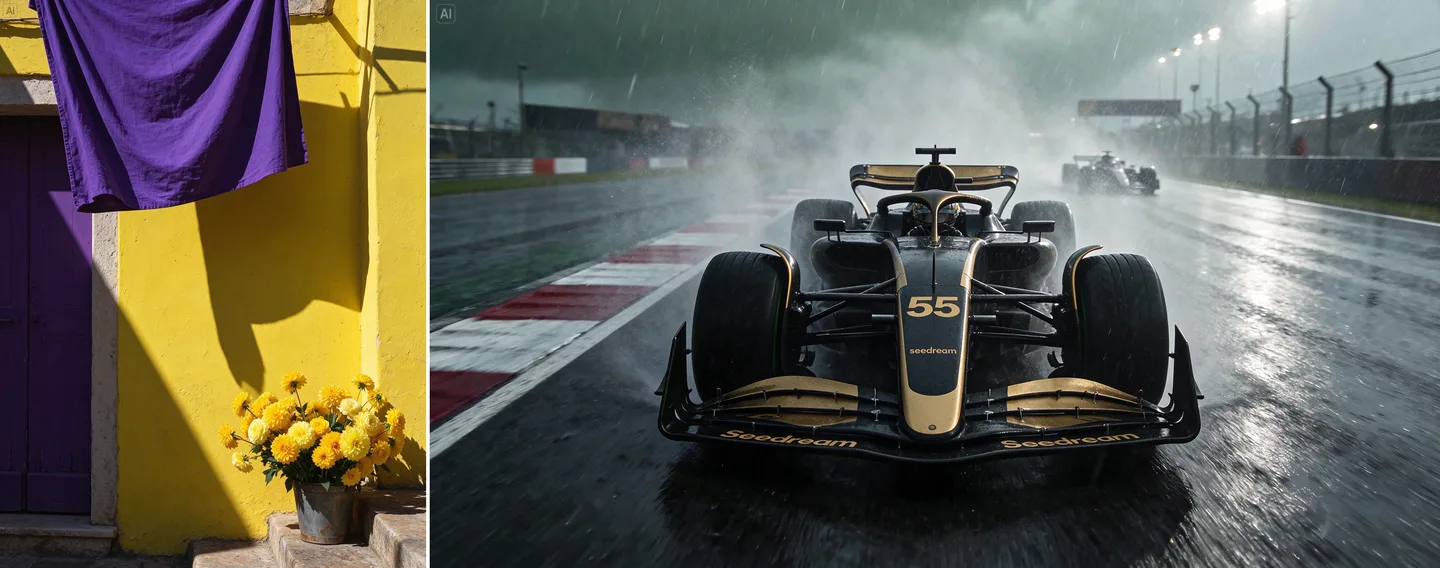
Bring light and materials into focus
Describe reflections, texture and lighting together. Use reference images to guide the mood and composition of product shots or action scenes.
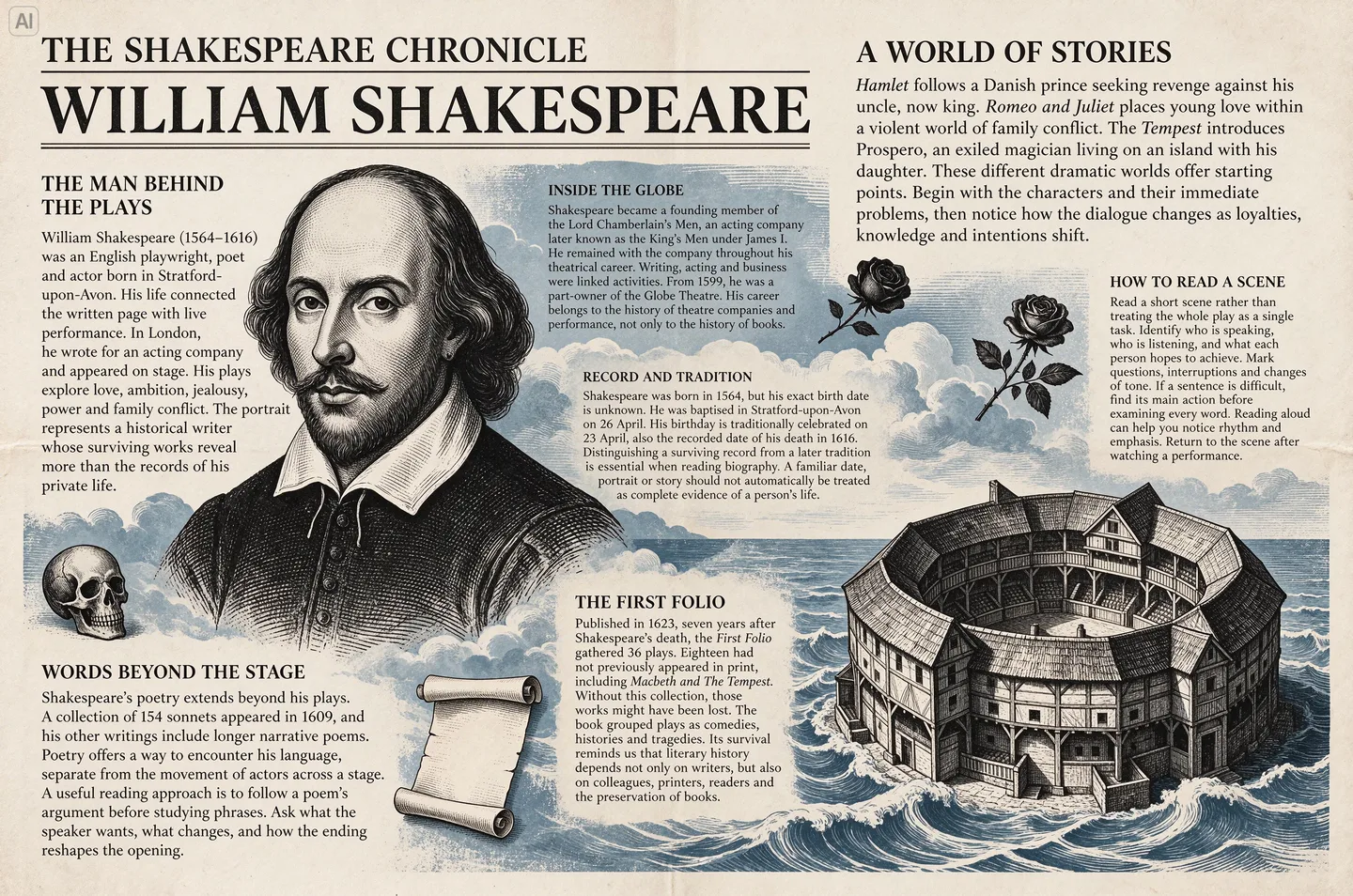
Build a layout around your words
Create campaign posters and editorial concepts with an exact headline and clear hierarchy. Check spelling and fine print before using the image in a finished design.
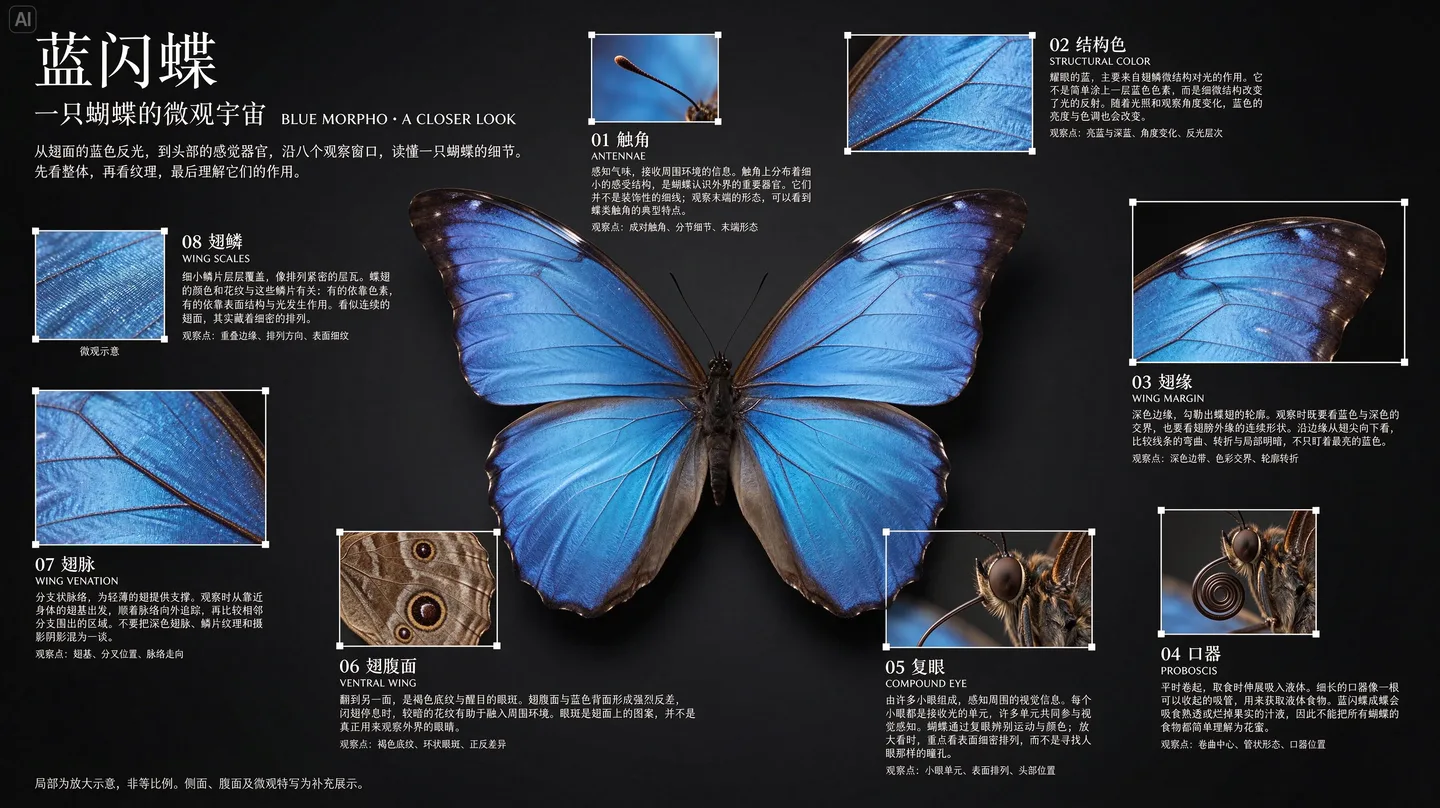
Explain a subject visually
Combine a central subject with close-ups, annotations and a considered layout. Use it for illustrated guides and visual concepts, then verify every label and fact.
From a brief to a usable image
01
Describe the result
Name the subject, composition, lighting and any exact wording. For an edit, separate what should change from what should stay.
02
Add your references
Upload images you have the right to use. Refer to them as Image 1, Image 2 and so on, and give each a clear role.
03
Review, create, refine
Choose size and background, review the credit quote, then create. Download the result or upload it again for the next edit.
See the credit quote before you create
The generator shows the quote for your settings. Reference images can increase it. Confirmed failed tasks return reserved credits. These models use credits; they are not included in unlimited generation.
Compare credit plansQuestions before you create
What is new in Seedream 5.5?
ByteDance introduced Seedream 5.5 on November 9, 2026, emphasizing successive edits, native transparency and improved realism and text. Results still depend on the brief and references.
Which sizes and reference images can I use here?
Choose 1K, 1.5K or 2K and upload up to 10 PNG, JPEG or WebP references. This integration does not offer 4K or layer decomposition.
Can I make transparent images?
Yes. Choose Transparent in the generator. Both new images and reference-based edits can return a PNG with transparency.
How many credits does Seedream 5.5 cost?
Without references, 1K and 1.5K cost 2 credits and 2K costs 3. Every reference image contributes to the final quote. Review the total before creating; a new edit is a new task.