
MiniMax H3 Image — create and edit with Open AI Image
MiniMax H3 Image is MiniMax’s image generation and editing model. Create product scenes, concept artwork or photographs with up to 16 references and 1K, 2K or native 4K output.
No sign-up needed. Each creation uses credits — the price is on the Create button. Sign up to keep what's left.
Official examples, real creative possibilities
Keep the details worth zooming in on
Use 2K while exploring a composition and 4K for a detailed final image. Square 4K is 4096 × 4096; landscape and portrait sizes preserve a similar pixel area.

Give every reference a job
Combine a subject, setting and visual style in one brief. Tell the model which details to preserve instead of asking for a vague makeover.
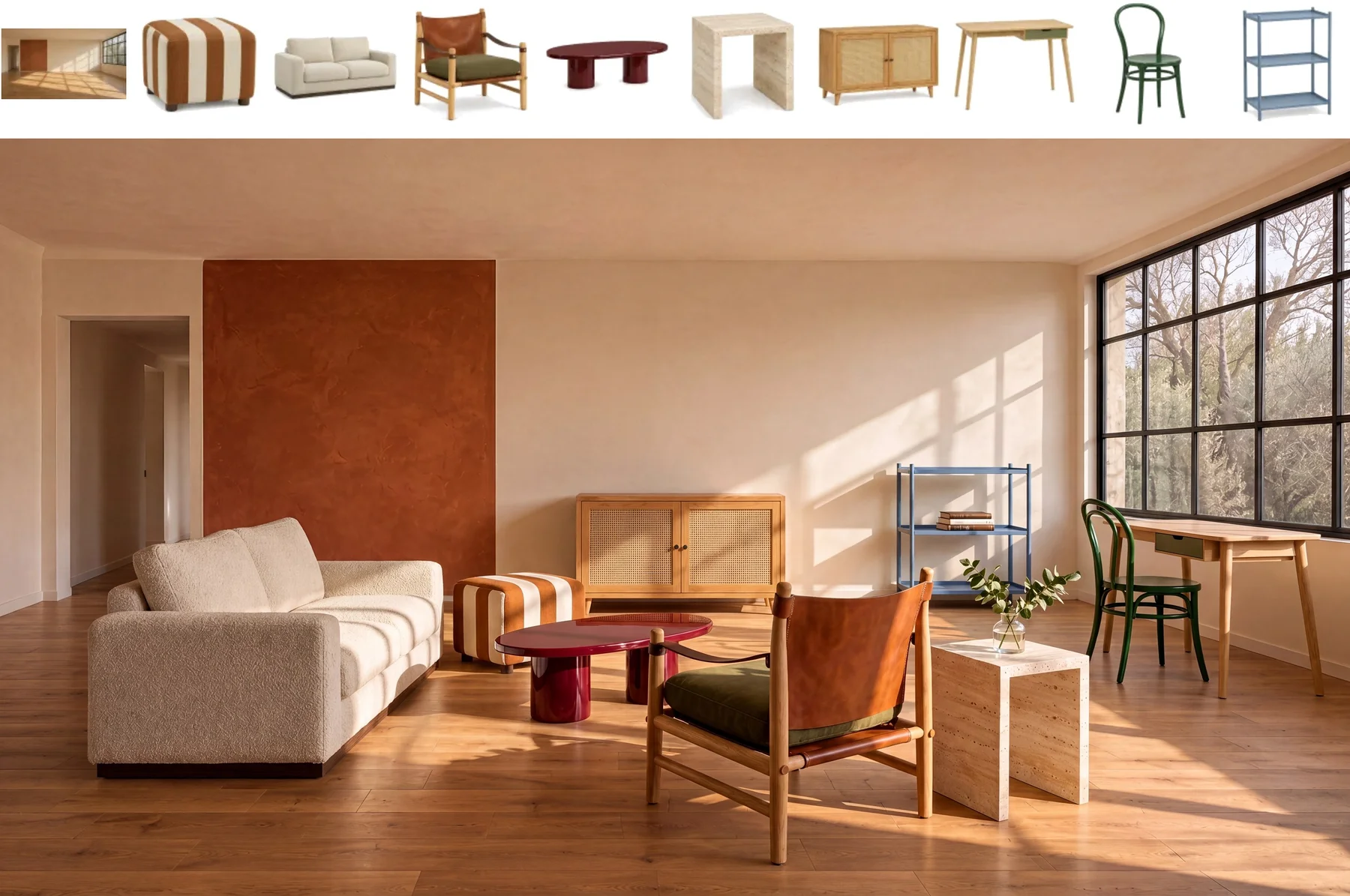
Build a coherent visual world
Try product photography, editorial portraits or game environments. Describe materials, perspective and light together; inspect small text and fine details before publishing.
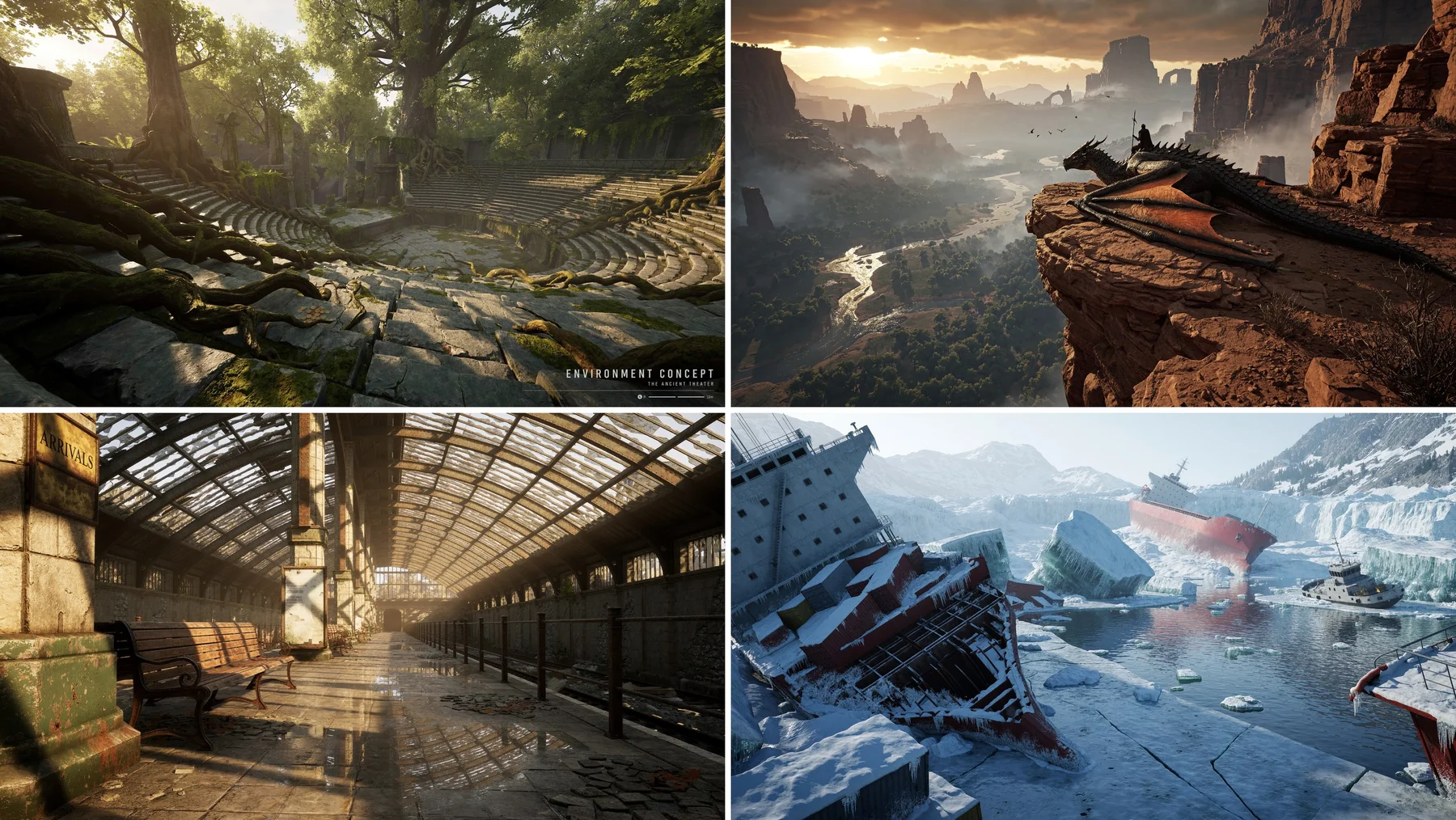
From a brief to a usable image
01
Describe the result
Name the subject, composition, lighting and any exact wording. For an edit, separate what should change from what should stay.
02
Add your references
Upload images you have the right to use. Refer to them as Image 1, Image 2 and so on, and give each a clear role.
03
Review, create, refine
Choose size and background, review the credit quote, then create. Download the result or upload it again for the next edit.
See the credit quote before you create
The generator shows the quote for your settings. Reference images can increase it. Confirmed failed tasks return reserved credits. These models use credits; they are not included in unlimited generation.
Compare credit plansQuestions before you create
Is MiniMax H3 Image the same as MiniMax H3 video?
No. H3 Image creates and edits still images. Choose the separate MiniMax H3 video model if you need motion or audio.
Can I edit an image or use several references?
Yes. Upload up to 16 PNG, JPEG or WebP images, with each side between 128 and 8192 pixels. Specify changes and refer to each image by upload order. Mask painting is not offered here.
Does it support transparent backgrounds?
This integration outputs opaque PNG images. Choose Seedream 5.5 for native transparent PNG assets.
How many credits does H3 Image cost?
The quote depends on output size, prompt and reference count. H3 uses token billing, so our fixed credit quote includes a conservative input allowance. Review it before submitting; launch discounts and other platforms’ free trials do not apply.