
One product photo, two seasons
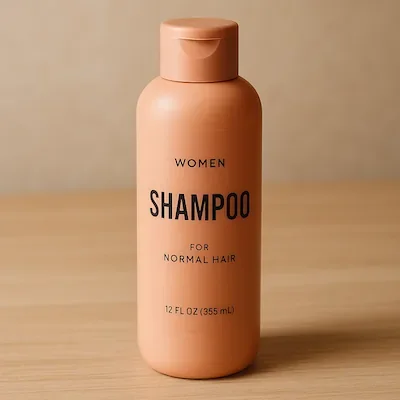
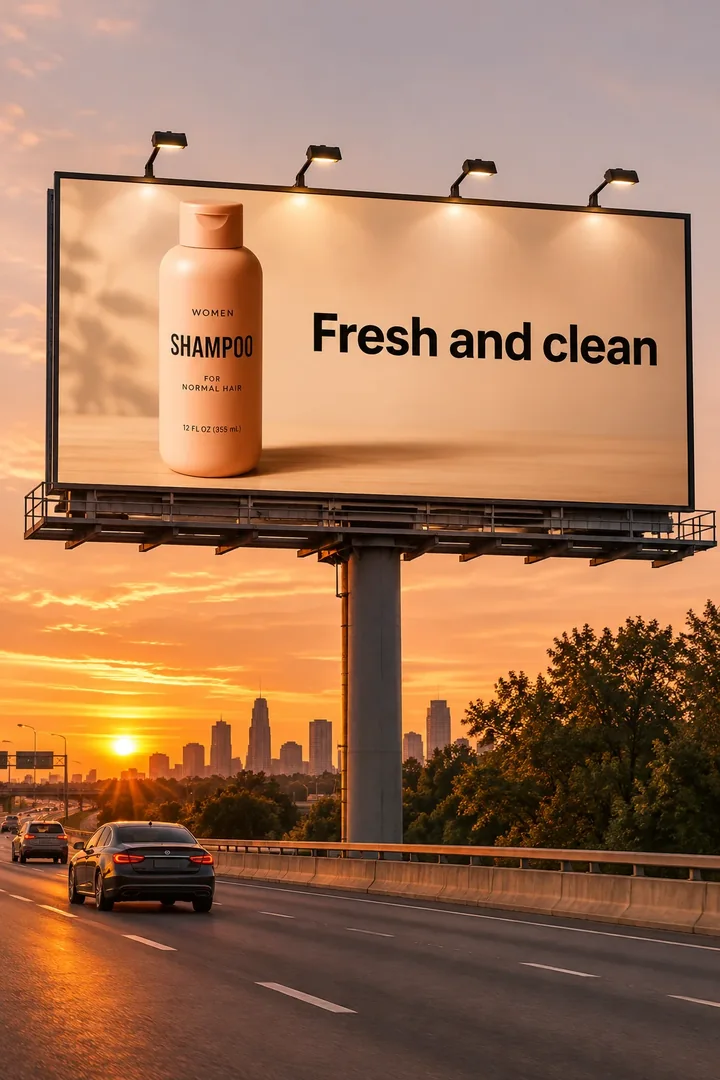
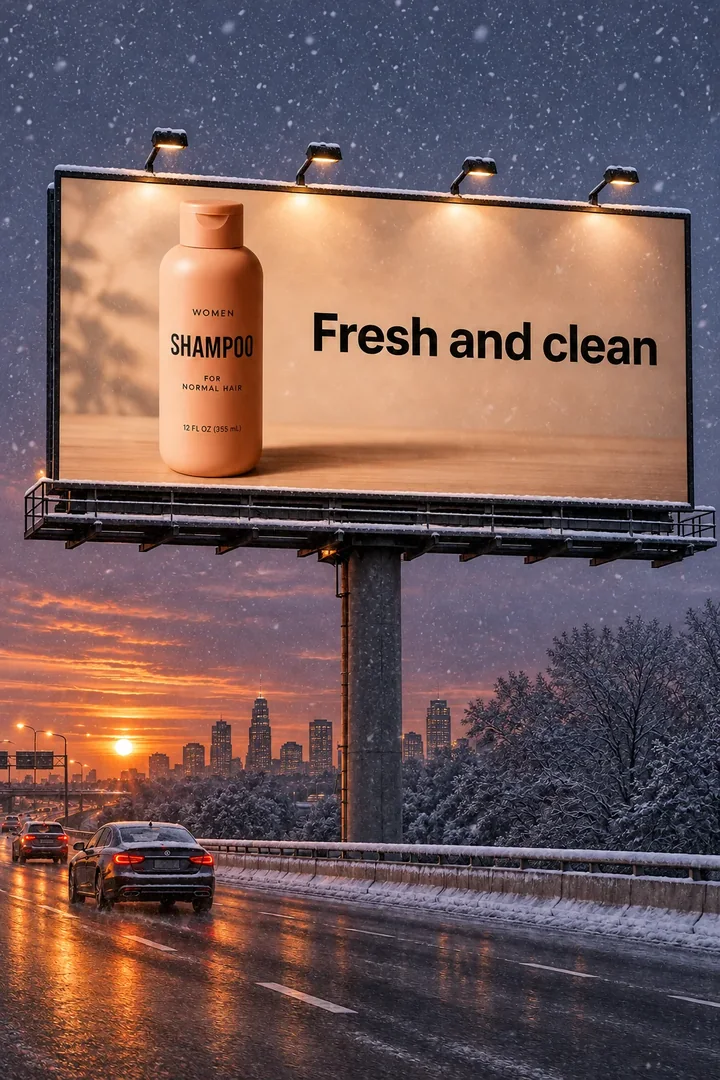
Start with the bottle. Put it on a roadside billboard at sunset, then move the campaign into a snowy evening with the same packaging and headline.
Image source · OpenAITurn a product photo into an ad, give a poster your own headline, or edit one detail in a photo.
Explore OpenAI Image 2.6, Flare and Sunburst. Official examples and model guide.
Explore the GPT Image 2.5 model family and editing workflows.
Generate or edit a still image with GPT Image 2.
Up to 30s clips with image, video and audio references.

Kuaishou's newest model: 3–30s clips at up to 1080p.
Google's image model: sharper detail and cleaner text.
Start with the bottle. Put it on a roadside billboard at sunset, then move the campaign into a snowy evening with the same packaging and headline.
Image source · OpenAI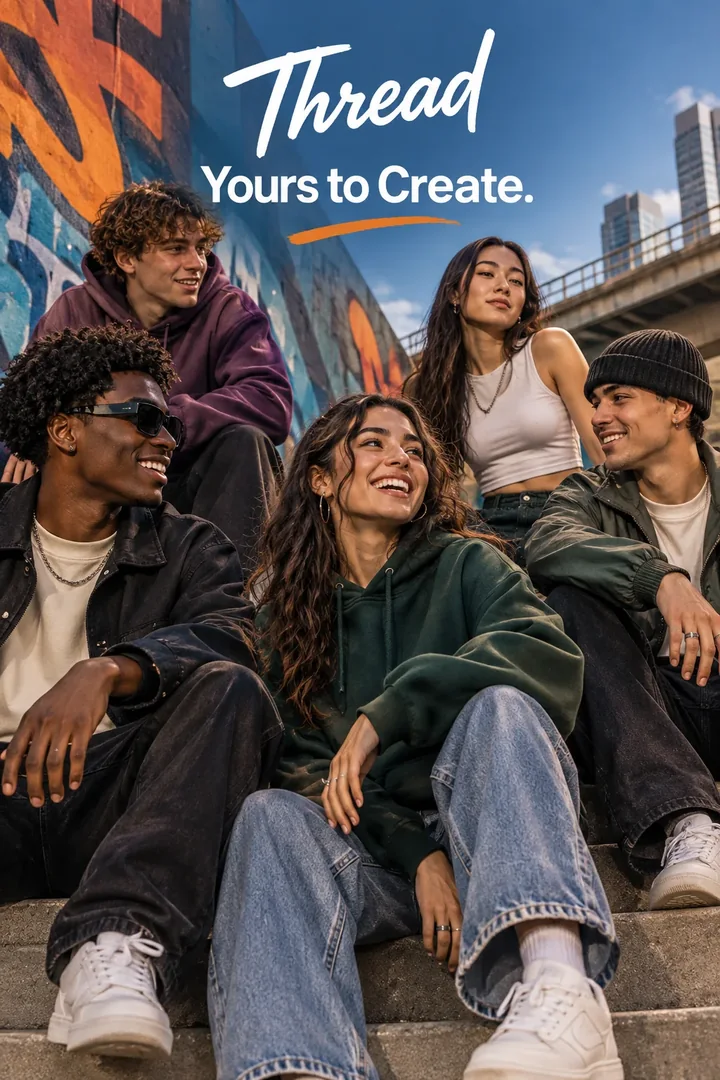
The Thread campaign leaves the sky open for its tagline and keeps all four faces in frame. Swap in your own brand and headline to try the composition.
Image source · OpenAI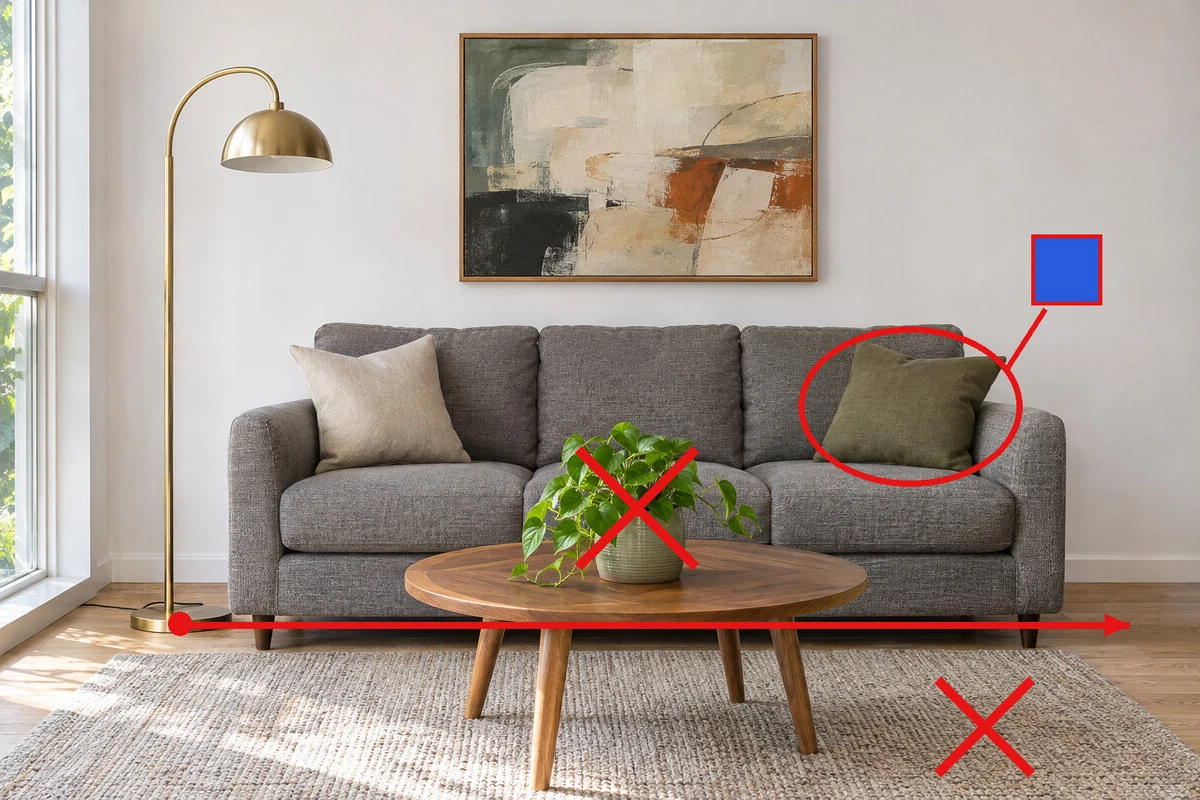
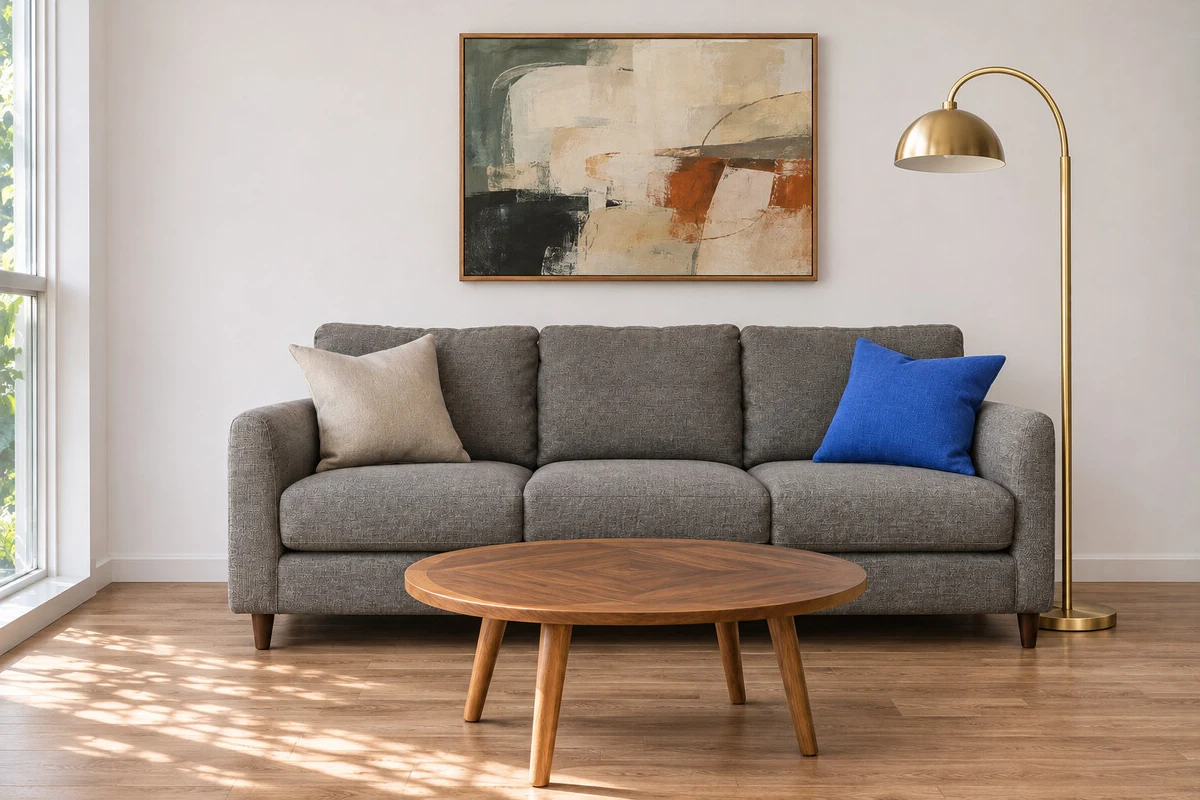
Compare the marked-up room with the result. The cushion turns blue, the plant leaves the table, and the floor lamp moves to the right. Try a focused edit on your own photo.
Image source · fal / OpenAIBilled annually, cancel anytime
Available configurations and fair-use limits apply
+Includes Subject to available generator benefits
+Includes GPT Image 2.6 uses parameter-based credits; no unlimited mode
Billed annually, cancel anytime
Available configurations and fair-use limits apply
+Includes Subject to available generator benefits
+Includes GPT Image 2.6 uses parameter-based credits; no unlimited mode
Billed annually, cancel anytime
Available configurations and fair-use limits apply
+Includes Subject to available generator benefits
+Includes GPT Image 2.6 uses parameter-based credits; no unlimited mode
Pay safely and securely with









Tell us what you make each month and we’ll point you to the plan that covers it.
Pick everything that applies
5 Seedance 2.5 videos 195 credits
15 Seedance 2.0 videos 405 credits
10 GPT Image 2 images 60 credits
Anything else you need
We recommend Pro
Billed annually, cancel anytime
Estimated monthly usage660 / 1300
Save $109.2 a year vs monthly
10 credits
$13/mo · 300 credits/mo
$14.5/mo · 600 credits/mo
$99/mo · 3,500 credits/mo
—
≈7 videos · $1.86/video
≈15 videos · $0.97/video
≈89 videos · $1.11/video
—
≈11 videos · $1.18/video
≈22 videos · $0.66/video
≈129 videos · $0.77/video
—
≈18 videos · $0.72/video
≈37 videos · $0.39/video
≈218 videos · $0.45/video
≈1 video
≈30 videos · $0.43/video
≈60 videos · $0.24/video
≈350 videos · $0.28/video
7 days of unlimited generation—
≈7 videos · $1.86/video
≈14 videos · $1.04/video
≈83 videos · $1.19/video
—
≈14 videos · $0.93/video
≈28 videos · $0.52/video
≈166 videos · $0.60/video
—
≈14 videos · $0.93/video
≈28 videos · $0.52/video
≈166 videos · $0.60/video
—
—
—
—
—
≈5 videos · $2.60/video
≈10 videos · $1.45/video
≈58 videos · $1.71/video
—
—
—
—
—
—
—
—
—
≈13 videos · $1.00/video
≈26 videos · $0.56/video
≈152 videos · $0.65/video
≈1 video
≈42 videos · $0.31/video
≈85 videos · $0.17/video
≈500 videos · $0.20/video
Approximately 5 images
Approximately 150 images
Approximately 300 images
Approximately 1,750 images
Approximately 5 images
Approximately 150 images
Approximately 300 images
Approximately 1,750 images
Approximately 1 images
Approximately 50 images
Approximately 100 images
Approximately 583 images
Approximately 3 images
Approximately 100 images
Approximately 200 images
Approximately 1,166 images
—
—
—
—
Approximately 10 images
Approximately 300 images
Approximately 600 images
Approximately 3,500 images
Prices exclude applicable VAT and local taxes, calculated at checkout.
Subscription credits are valid for 30 days. Cancel anytime, no hidden fees.
Have another question? Reach us at support@openaiimage.com.
Last updated: Nov 5, 2026
GPT Image 2.6 is the image model family behind OpenAI’s Images 2.6 release, announced on November 4, 2026. It includes Flare and Sunburst. OpenAI describes improvements to generation speed, editing consistency and creative control.
Yes. Choose GPT Image 2.6 Flare for text-to-image or reference-led editing. Available output settings and the final credit quote are shown in the generator; GIF and SVG output are not enabled.
No. Open AI Image is an independent image creation platform at openaiimage.com. It is not affiliated with or endorsed by OpenAI. OpenAI develops the GPT Image models; official documentation and examples are linked to their original sources.
OpenAI Image 2.6 is a common search phrase for OpenAI’s Images 2.6 release. The API model family is named GPT Image 2.6, with Flare and Sunburst variants. Open AI Image, with spaces, is the name of this independent website.
GPT Image 2 supports image generation and editing. GPT Image 2.5 introduced Flare and Sunburst options. GPT Image 2.6 builds on that family with further editing improvements and new GIF and SVG workflows. A model’s official capabilities do not mean every feature is available in this studio.
You can browse the guides, prompts and examples without payment. Generation requires the credits shown in the studio. Any trial offer depends on the current account settings; check the pricing page and the quote before generating.
Use an available image model that supports references, upload an image you have permission to use, and describe the changes. For product imagery, specify the package, background, lighting and details to preserve. Review the result before publishing.
The streetwear poster and shampoo ads are Flare examples from OpenAI’s image prompting guide. The marked-up room and its edit are credited to fal in OpenAI’s Images 2.6 announcement. The editable prompts here are our adaptations.
Explore GPT Image 2.6 and create with available image and video models. Check the selected model and credit quote before each generation.