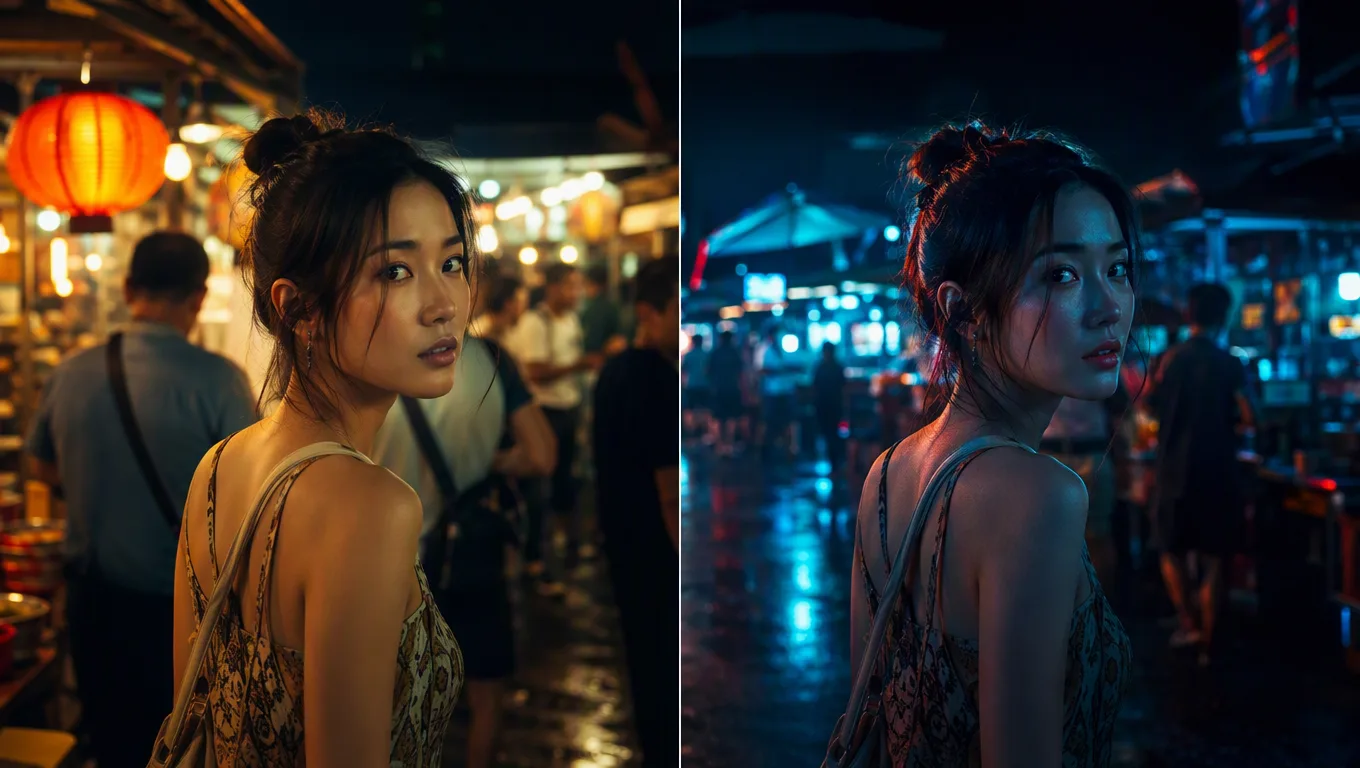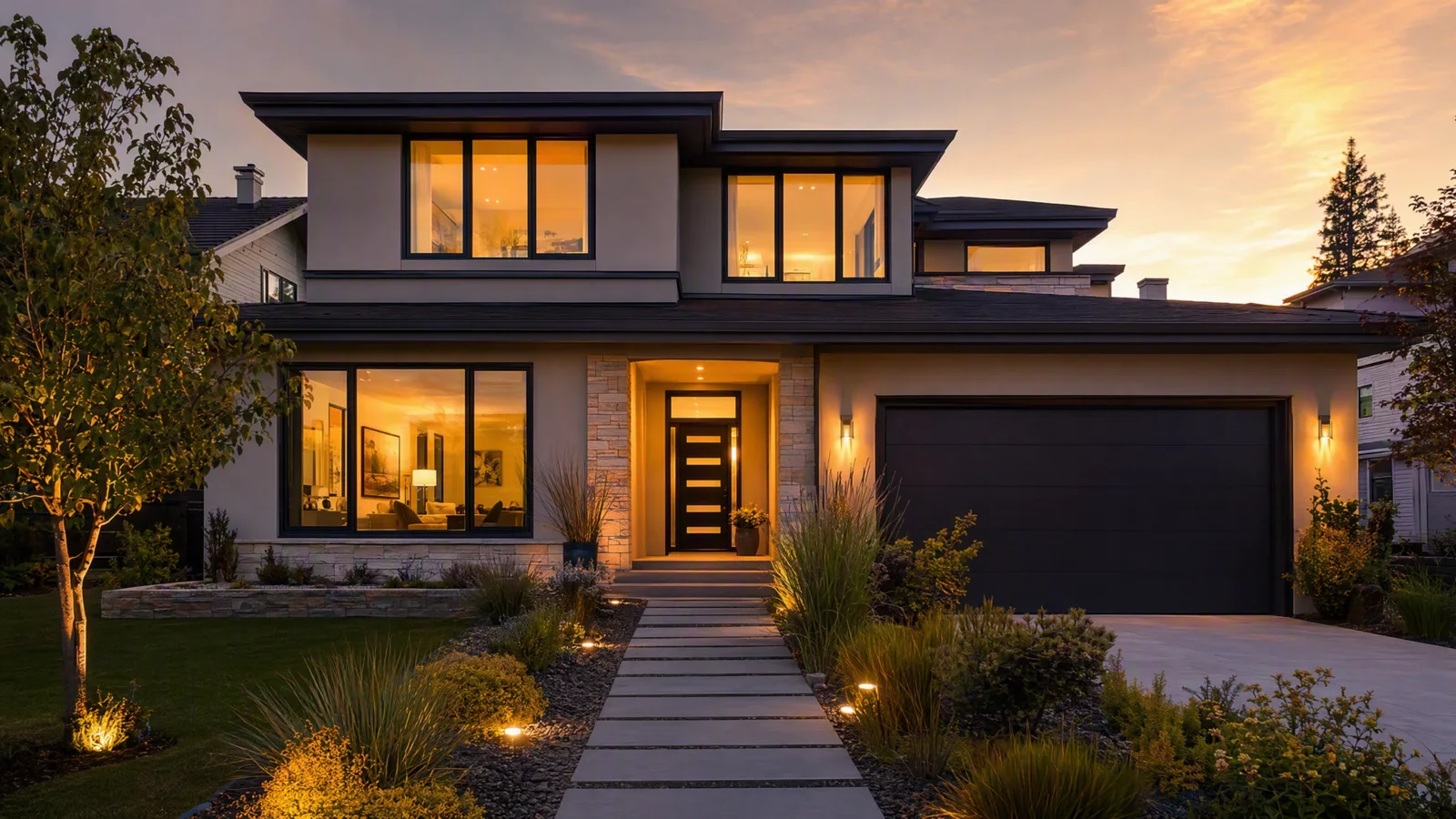
How to Create AI Real Estate Videos from Listing Photos
Turn listing photos into accurate 30-45 second property videos with restrained camera motion, geometry checks, verified facts, disclosures, and channel edits.
Read guideTrack Seedance model updates, prompt strategies, video workflows, and model comparisons for current and future Seedance-style video models.
Turn listing photos into accurate 30-45 second property videos with restrained camera motion, geometry checks, verified facts, disclosures, and channel edits.
Read guide

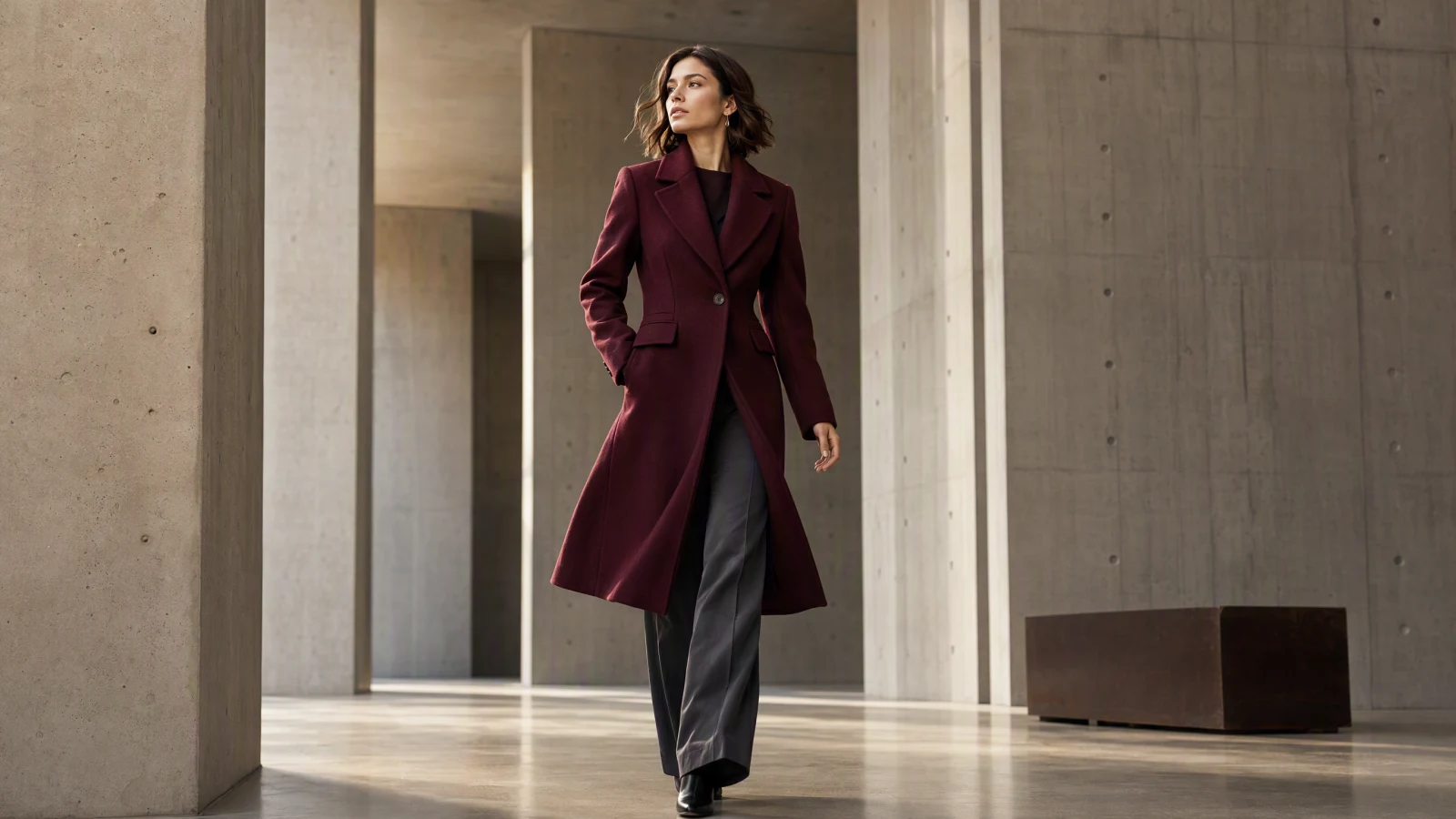
Turn clothing photos into AI fashion product videos with a practical workflow for motion prompts, garment checks, social edits, and commercial review.
Read guide
Compare 2026 AI video generator pricing by real cost per 720p, 5-second clip, including credits, free limits, resolution, and commercial use.
Read guide
Compare Wan 3.0 and Seedance 2.5 on 30-second video, document input, audio, API pricing, open weights, and the best workflow for each team today.
Read guide
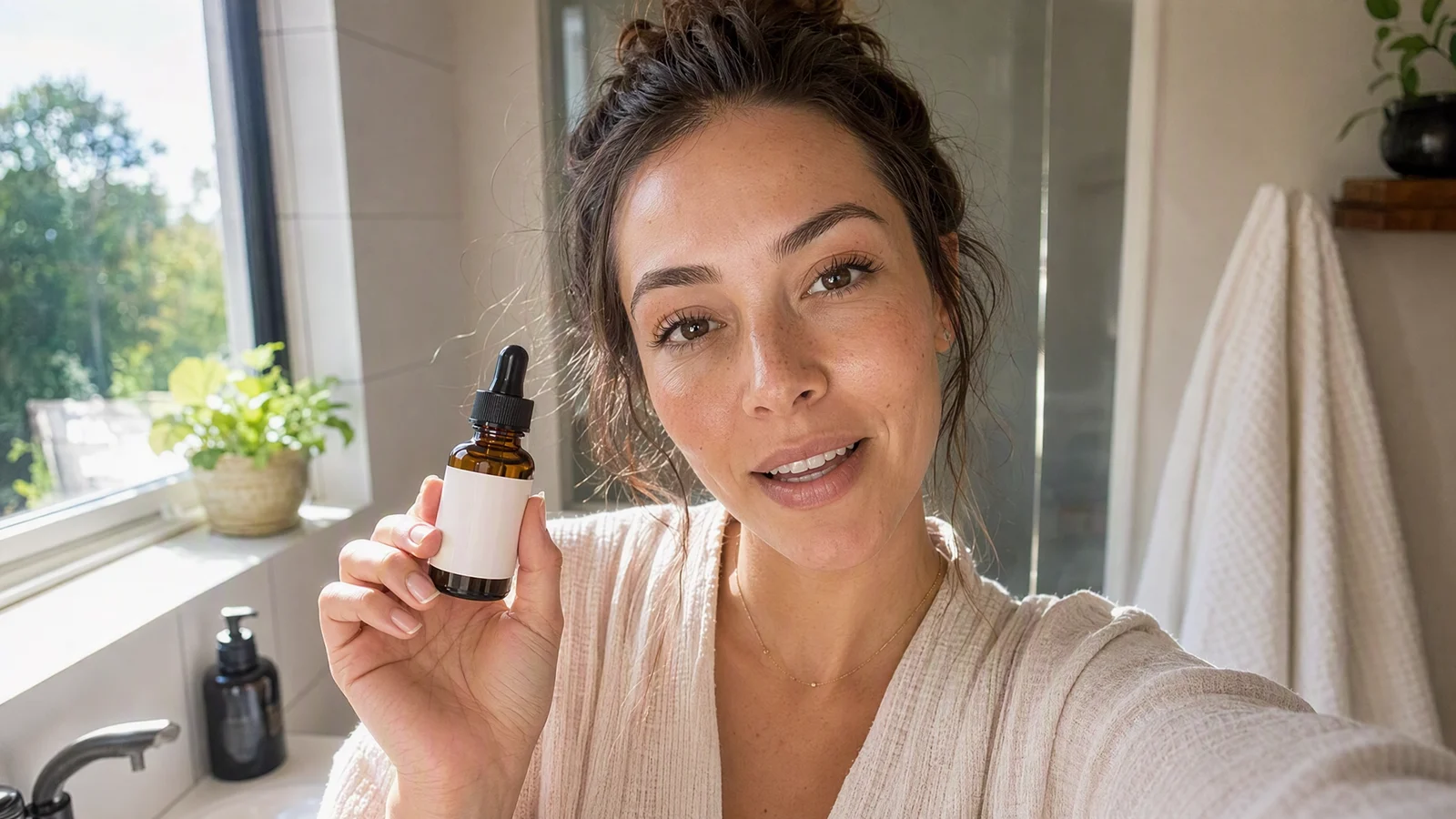
Build AI UGC video ads with Seedance 2.5 using a five-shot workflow for hooks, demos, proof, CTAs, references, editing, compliance, and testing.
Read guide
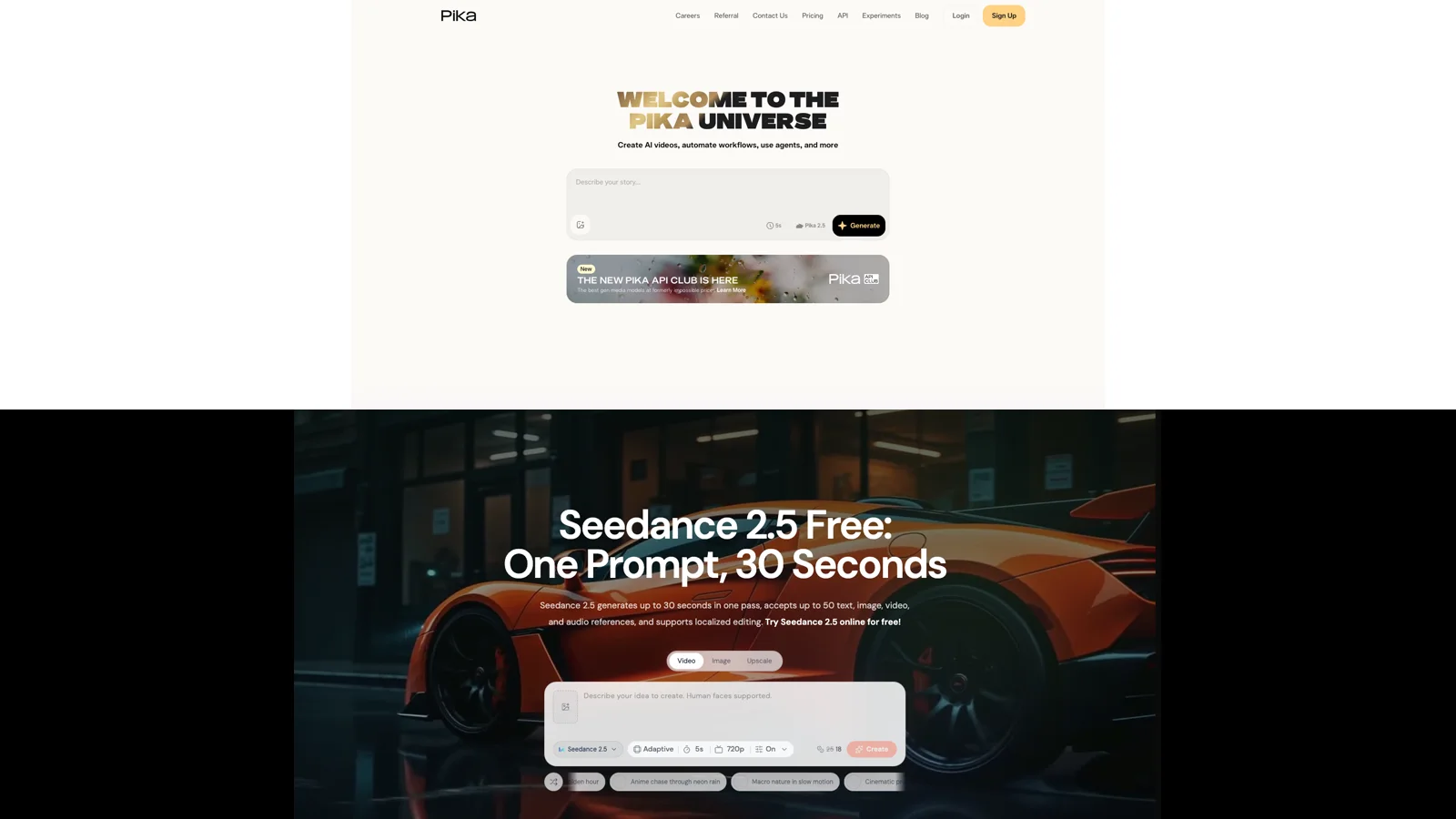
Compare Pika and Seedance 2.5 for social effects, narrative control, references, duration, pricing, free trials, and commercial production workflows.
Read guide
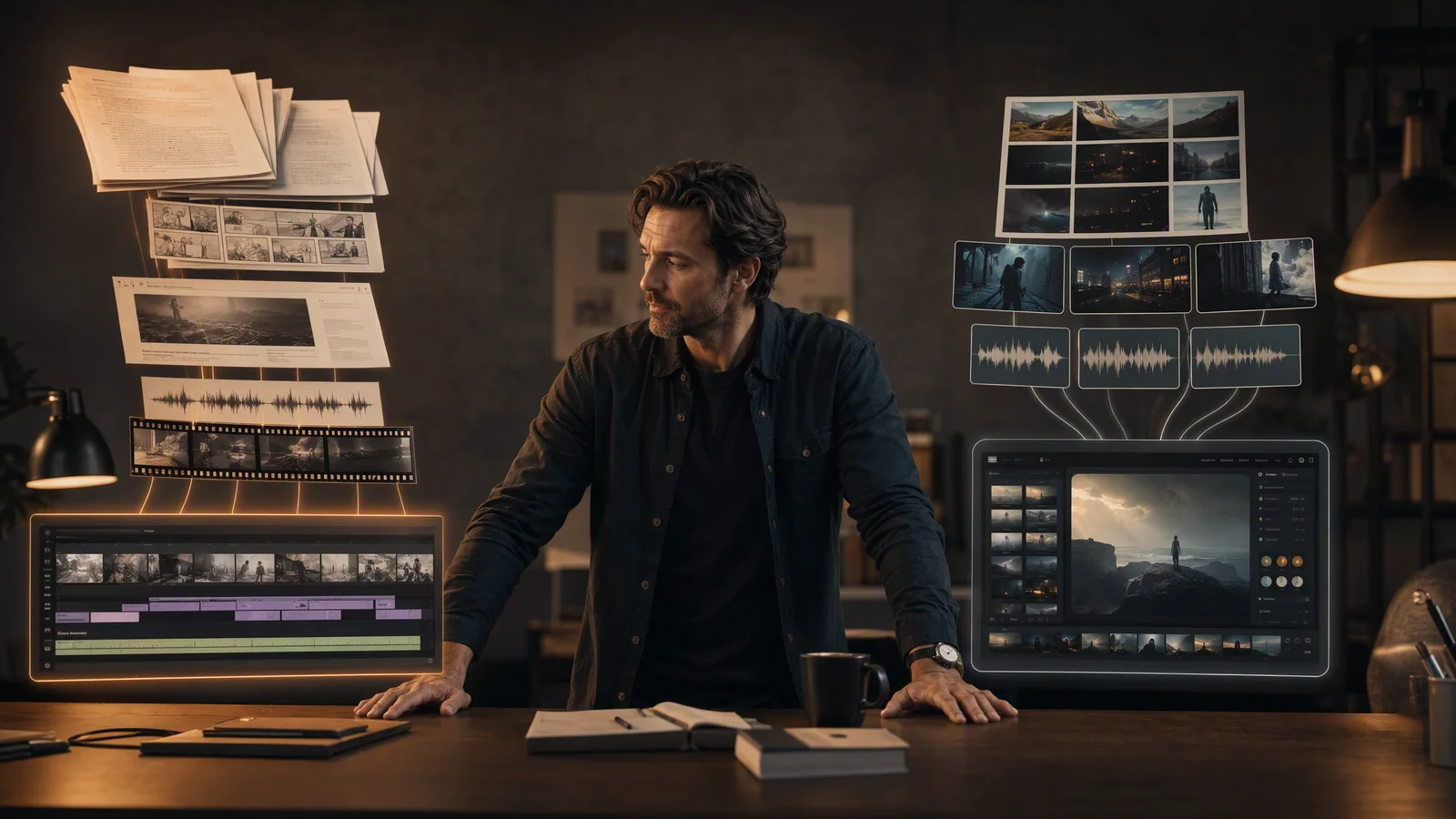
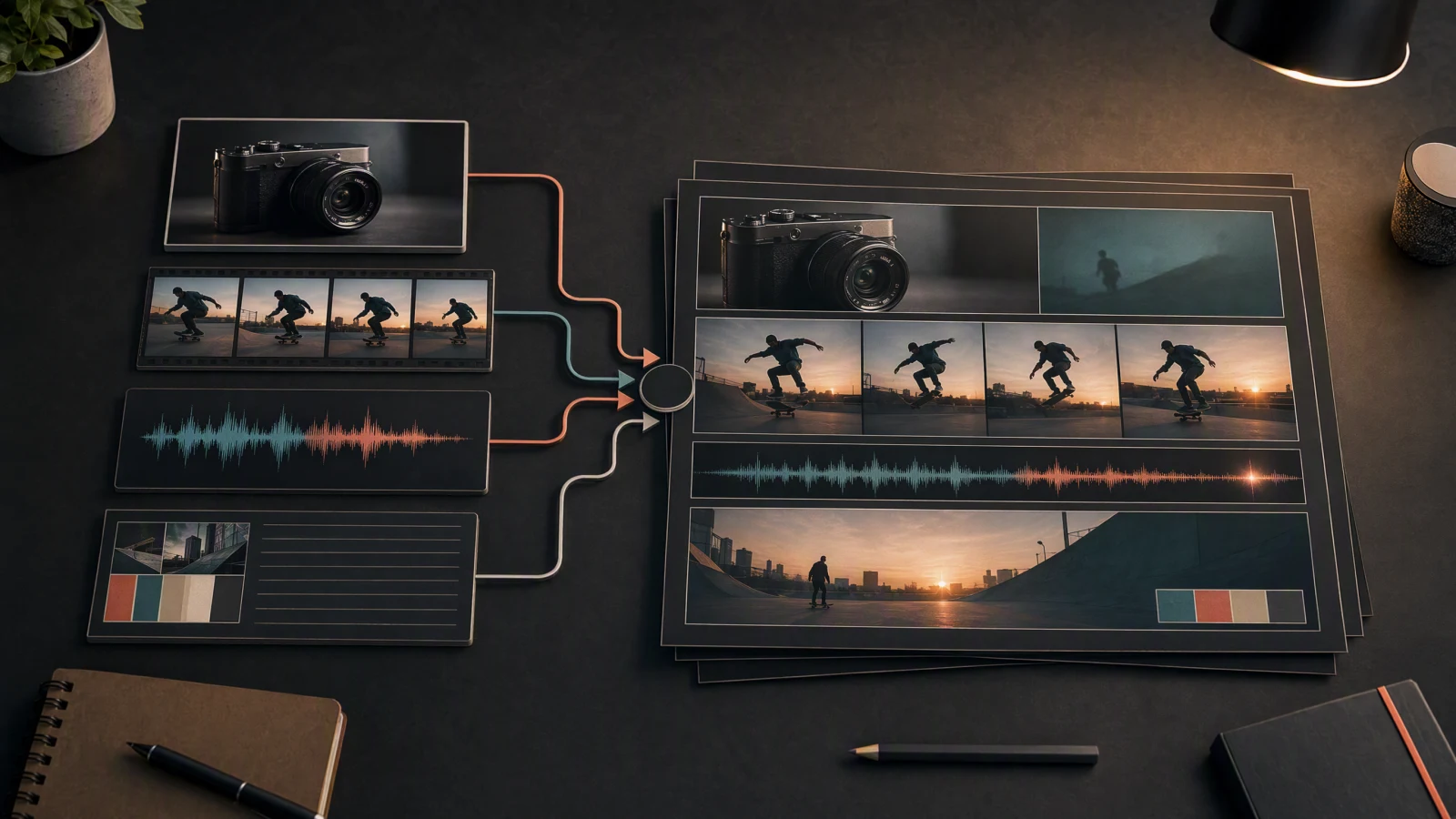
Build a repeatable AI video production workflow with Seedance 2.5, covering briefs, assets, shot queues, versioning, reviews, editing, and delivery.
Read guide
Compare Seedance 2.5 and Wan 2.2 across cloud workflow, local deployment, inputs, VRAM, pricing, licensing, and the best fit for each team today.
Read guide
Plan a Seedance 2.5 multi-shot video scene by scene with a continuity bible, six-shot list, copyable prompts, reference roles, and repair steps.
Read guide
Compare Seedance 2.5 and Veo 3.1 by duration, references, audio, resolution, pricing, and real production fit. Includes current controls and a reproducible test plan.
Read guide
Build clear product demos with Seedance AI using real UI, product images, precise shot prompts, consistency checks, and channel-ready exports in 2026.
Read guide
Learn to create explainer videos with Seedance AI using a five-part script, practical prompts, real product footage, captions, and 30/60-second QA.
Read guide
Learn how to make music videos with Seedance AI using song mapping, shot lists, prompts, continuity, beat editing, rights checks, and export plans.
Read guide
Copy 25 Seedance 2.5 cinematic video prompts for story, product, travel, portrait, and social clips, with camera, lighting, sound, and QA tips.
Read guide
Learn how to create 30 to 60-second AI short dramas with Seedance 2.5 using character bibles, shot tables, references, dialogue, and editing.
Read guide
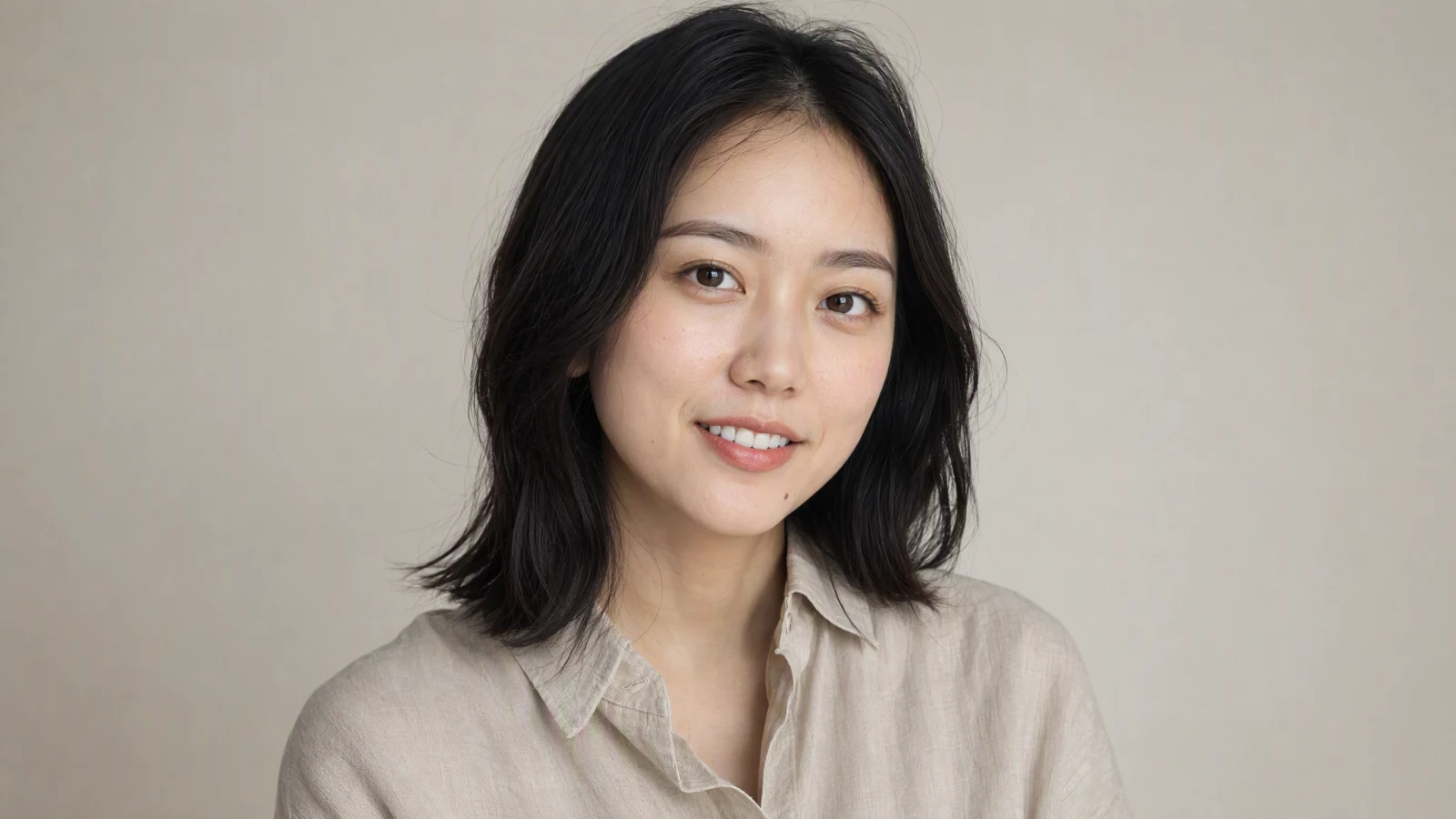
Learn how to create AI portrait videos with Seedance using a clean source image, precise motion prompts, frame-by-frame QA, and rights-safe workflows.
Read guide
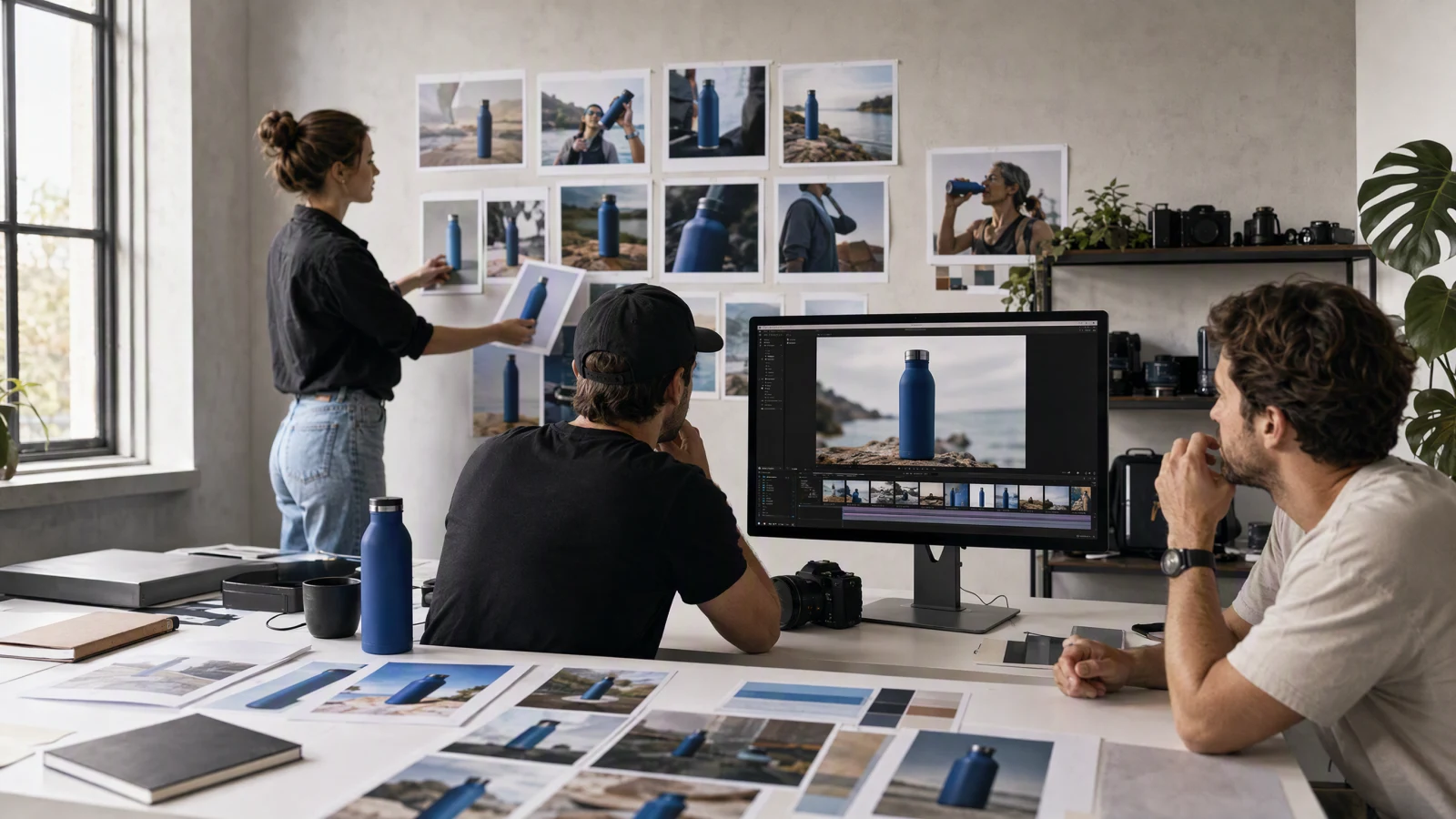
Learn how to create AI commercial videos with Seedance using product shots, precise prompts, shot planning, visual QA, editing, and platform-ready exports.
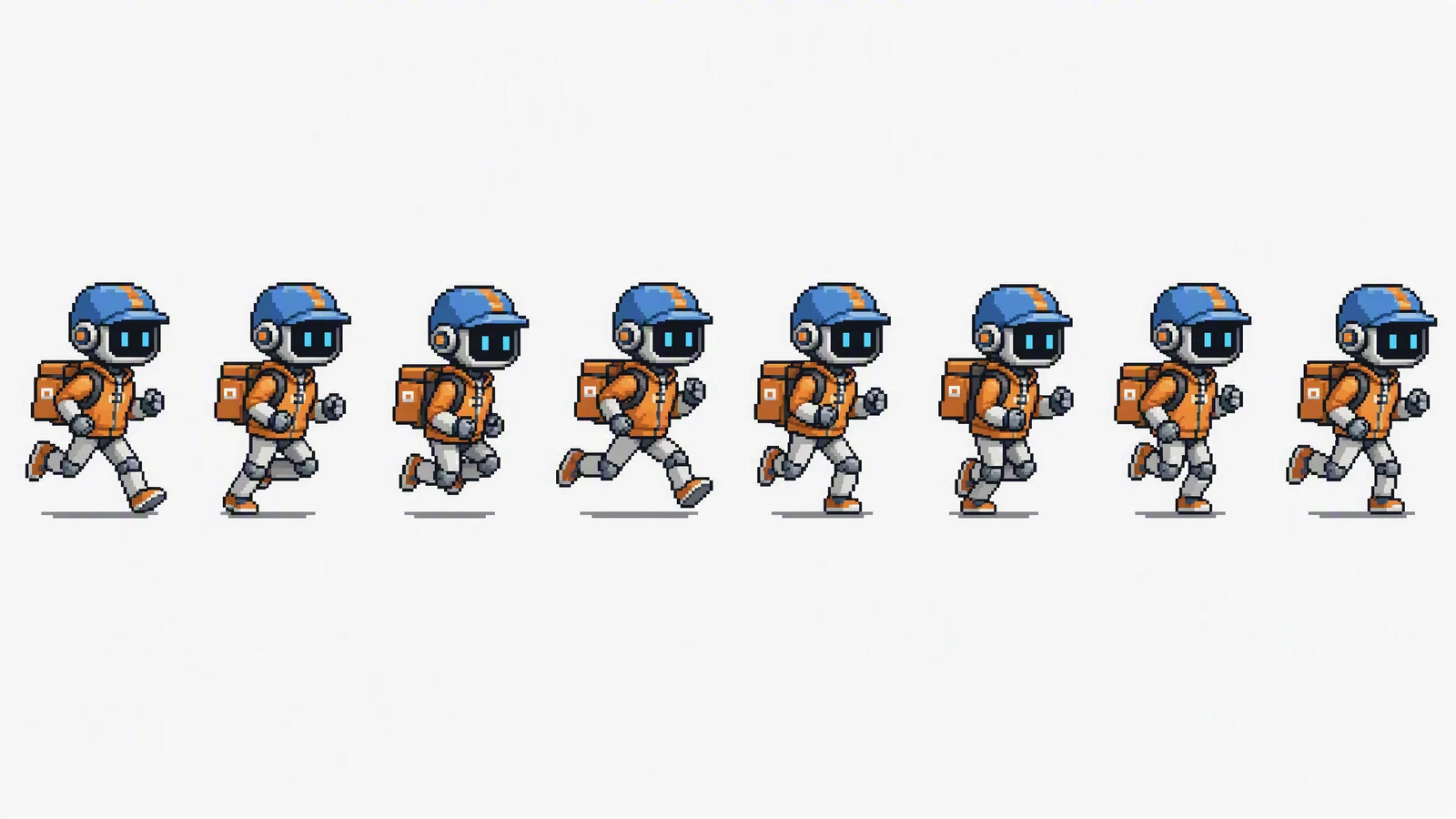
Read guideBuild a production-ready sprite sheet workflow: plan frames, keep characters consistent, pack the atlas, test motion, and validate engine imports.
Read guide
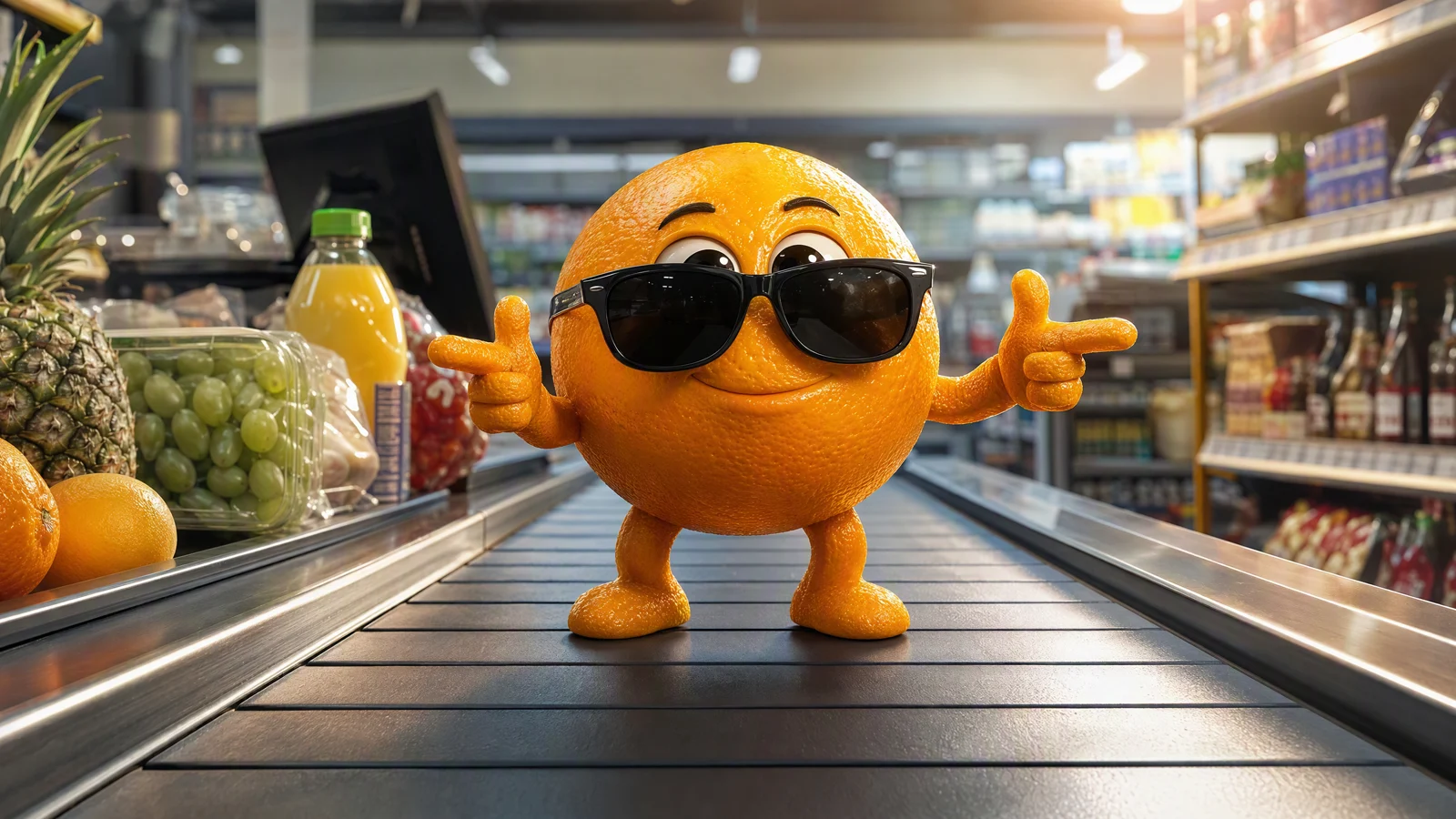
Learn how to make AI fruit videos and fruit memes with reusable characters, copy-ready prompts, image-to-video steps, editing tips, and practical fixes.
Read guide
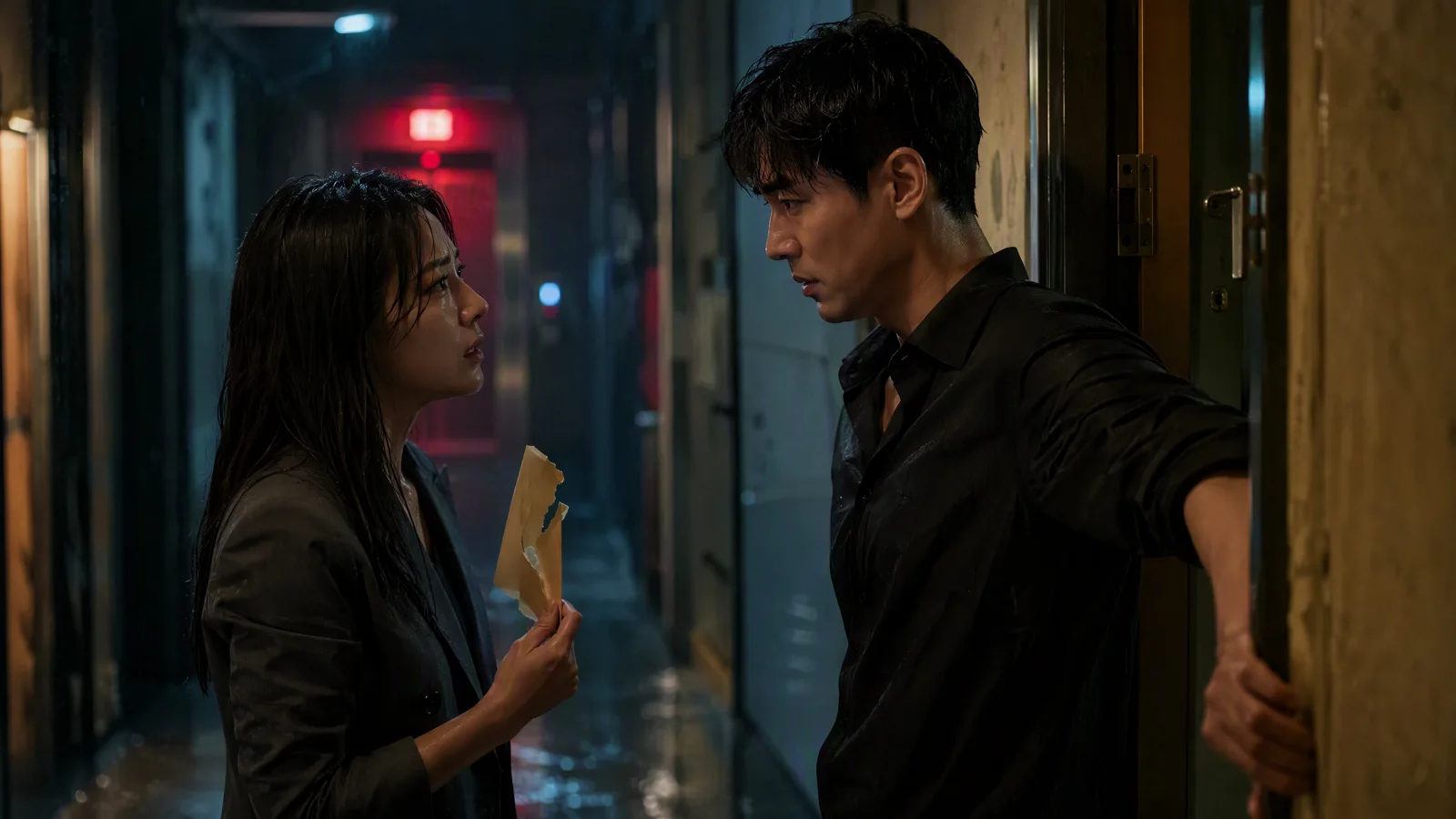
Learn how to use an AI movie trailer maker to plan story beats, prompt cinematic shots, keep characters consistent, edit pacing, and export each cut.
Read guide
Compare Seedance 2.5 and Kling VIDEO 3.0 on duration, references, multi-shot control, native audio, pricing, and workflow fit with current official evidence.
Read guide
What R2V means in Seedance 2.5, how reference to video differs from I2V and V2V, verified reference limits, copy-paste R2V prompts, and how to chain two passes into a 60-second story.
Read guide
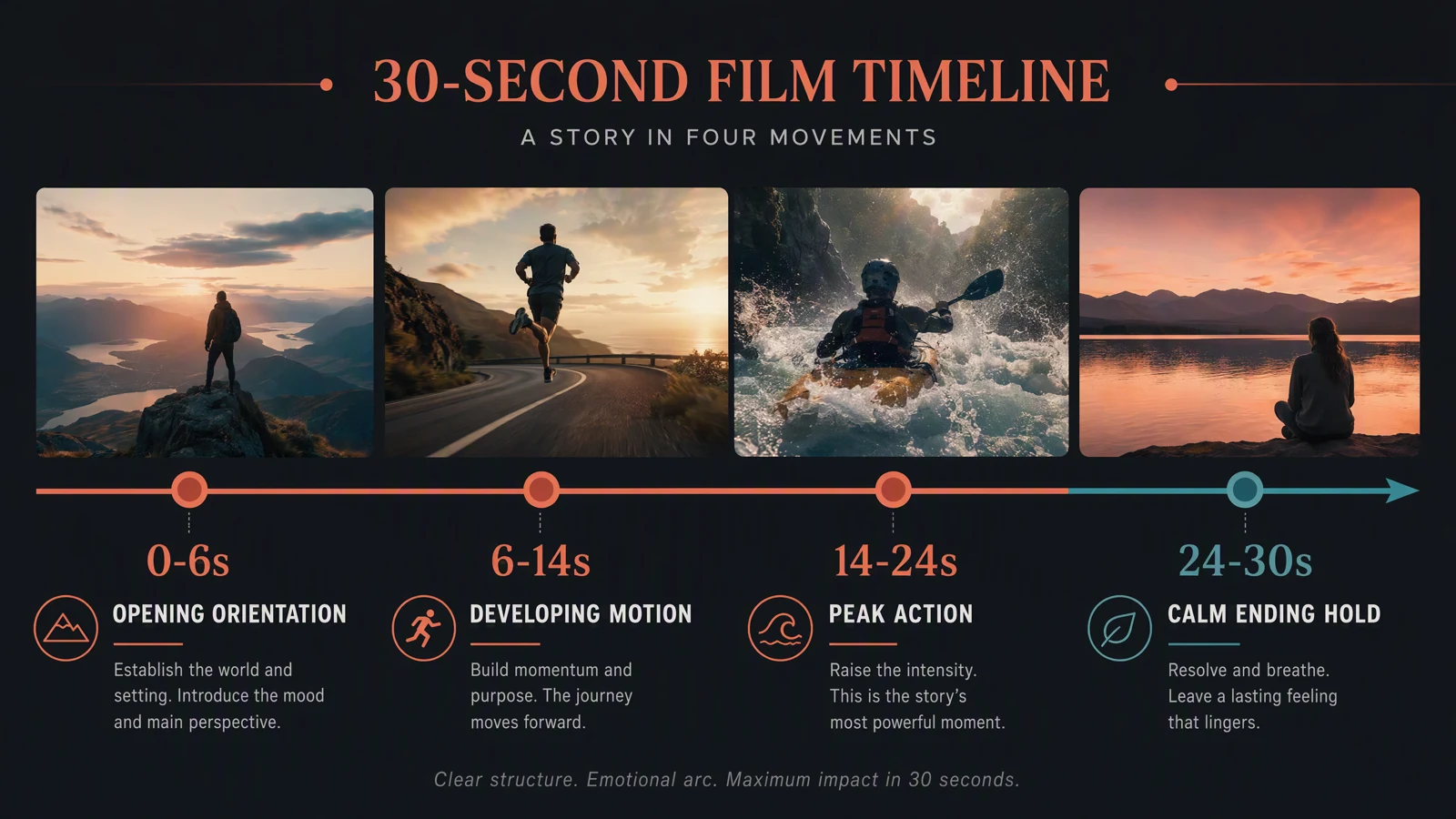
Learn how to plan a Seedance 2.5 30-second video with a reusable four-beat timeline, current duration limits, prompt structure, and practical QA.
Read guide
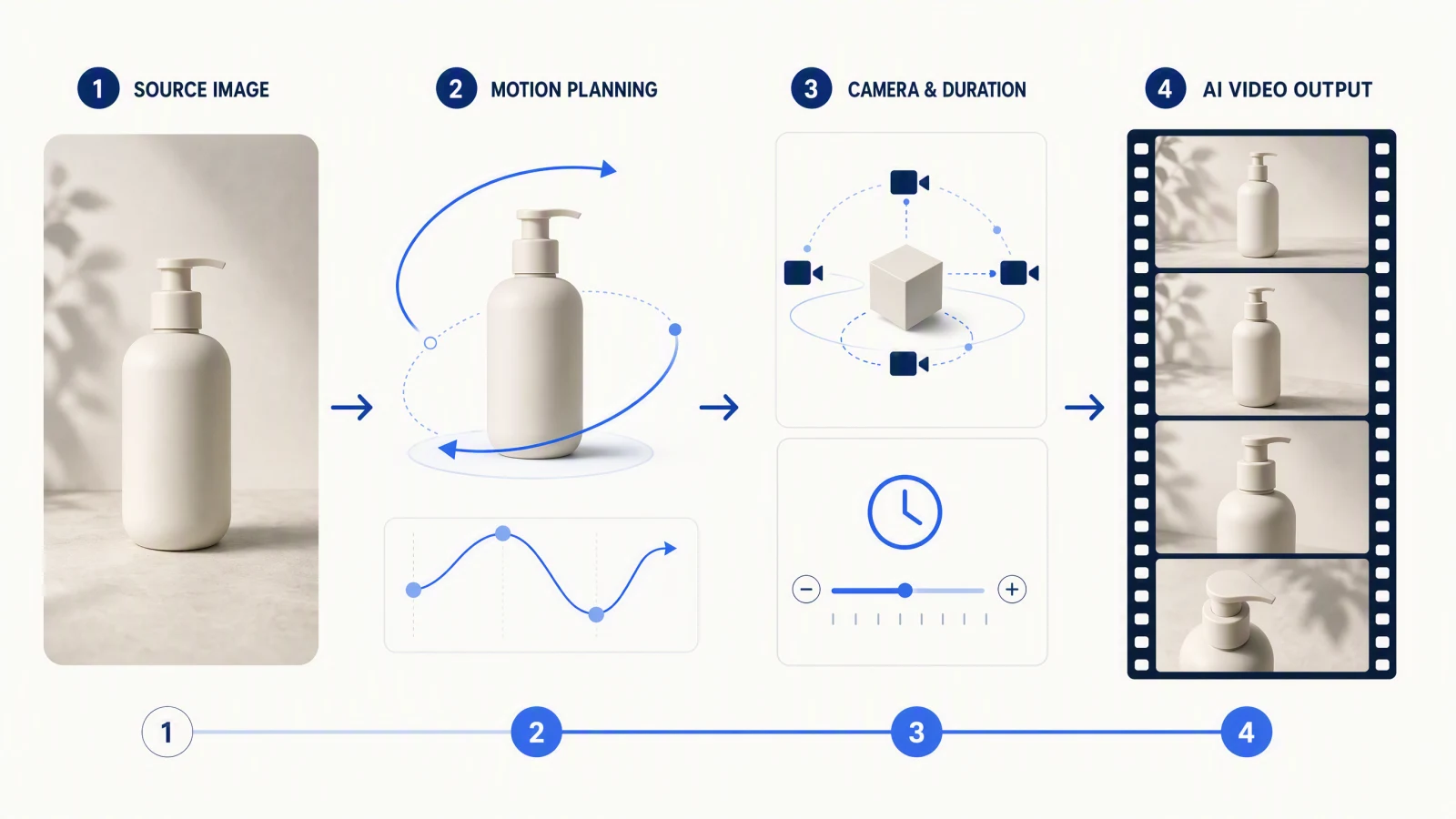
Learn a practical Seedance 2.5 image-to-video workflow for choosing input roles, writing motion prompts, reducing drift, and reviewing every frame.
Read guide